
Build and send Discord webhook messages that look right the first time
Write the message, fill in the embed, and watch the preview match what Discord will draw. When it looks right, one button posts it to your channel.
Runs in your browser. The webhook link stays on your machine and never reaches our servers.
Heads up @user, the 2.4 release is out. Changelog inside.
Faster embeds, a components v2 mode, and error messages that name the field Discord disliked. Read the changelog before the next release.
2.4.0
Friday, 16:00 UTC
About 2 minutes
Or browse all 52 tools.
Featured tools
Start with the ones people reach for first
The webhook sender leads the list because it does the most work in one place. The rest of the library is one click away.
What Tolz.me is
Small tools that finish the job
Everything on this site runs in your browser. Open a page, give it what it needs, and copy the result.
Start with the webhook sender
Paste a webhook link, write the message, and check the preview before you post it to your channel.
Open the Discord webhook senderTolz.me is a shelf of small free tools. Each one does a single job, opens in your browser, and hands you something you can copy or download right away. There is no account to create, no trial that runs out, and no useful part of a tool hidden behind a paywall.
We started with Discord because Discord asks for a lot of small formatting decisions. A timestamp needs the right tag or it shows up in the wrong timezone. An embed has limits for the title, the fields, the total characters, and the color. A webhook needs the exact link from the channel you want to post in, and one wrong character in that link means a broken announcement.
The Discord webhook sender takes care of the fiddly part. You paste the webhook link, write the message, and the preview draws it the way Discord will, with embeds and fields, mentions, timestamps, files, and the newer components v2 blocks included. When the preview looks right you press Send and your browser posts the message to Discord. You can also edit a message you already sent or pull one back into the editor.
Privacy stays simple here. The webhook link lives in the tab you are working in and travels from your browser straight to Discord. Tolz.me never sees it. Tick the remember box and it stays in session storage on that tab, still on your machine. Saved drafts, downloaded exports, and shared links never carry the webhook address. The same rule covers the rest of the site. The text tools, the image tools, the developer tools, and the calculators all run locally, and a file you drop into an image tool never leaves your device.
A few tools do need our server, and they say so on their own page. The Discord profile viewer, the ID lookup, and the permission calculator ask Discord for public information about an ID you paste in. We forward that ID, we keep the answer for a short while, and we do not build a record of you from it.
The rest of the library covers the jobs that sit around Discord work. The Discord category holds timestamps, message formatting, fancy fonts, emoji, server names, rules, welcome messages, and permission math. The social tools format captions and build YouTube links. The gaming tools check Roblox display names and crop Steam artwork. Start with the webhook sender if you post announcements, browse the full tool list if you would rather pick something else, or read the blog for the longer explanations of the details that are easy to get wrong.
Browse by category
Every tool, grouped by what you are working on
Simple tools. No account required.
Open a tool, get your result, copy or download it, and move on.
Missing a tool? Tell us what to build next. We read every suggestion.
Latest from the blog
Guides on Discord formatting, tables, Roblox names, and other details that are easy to get wrong.

50,000 Fake Statistics and ChatGPT Kept Citing Them: How to Check a Number Before You Use It
A site published 50,000 invented statistics in a day, and ChatGPT kept citing them. Here is how to check any number before you use it.
/7 min read
Read the guide
Agent Skills Are Trending on GitHub: What a SKILL.md File Is and How to Use One
Skill and plugin repos filled GitHub's weekly trending list. Here is what a SKILL.md file contains, how agents load it, and how to install one.
/8 min read
Read the guide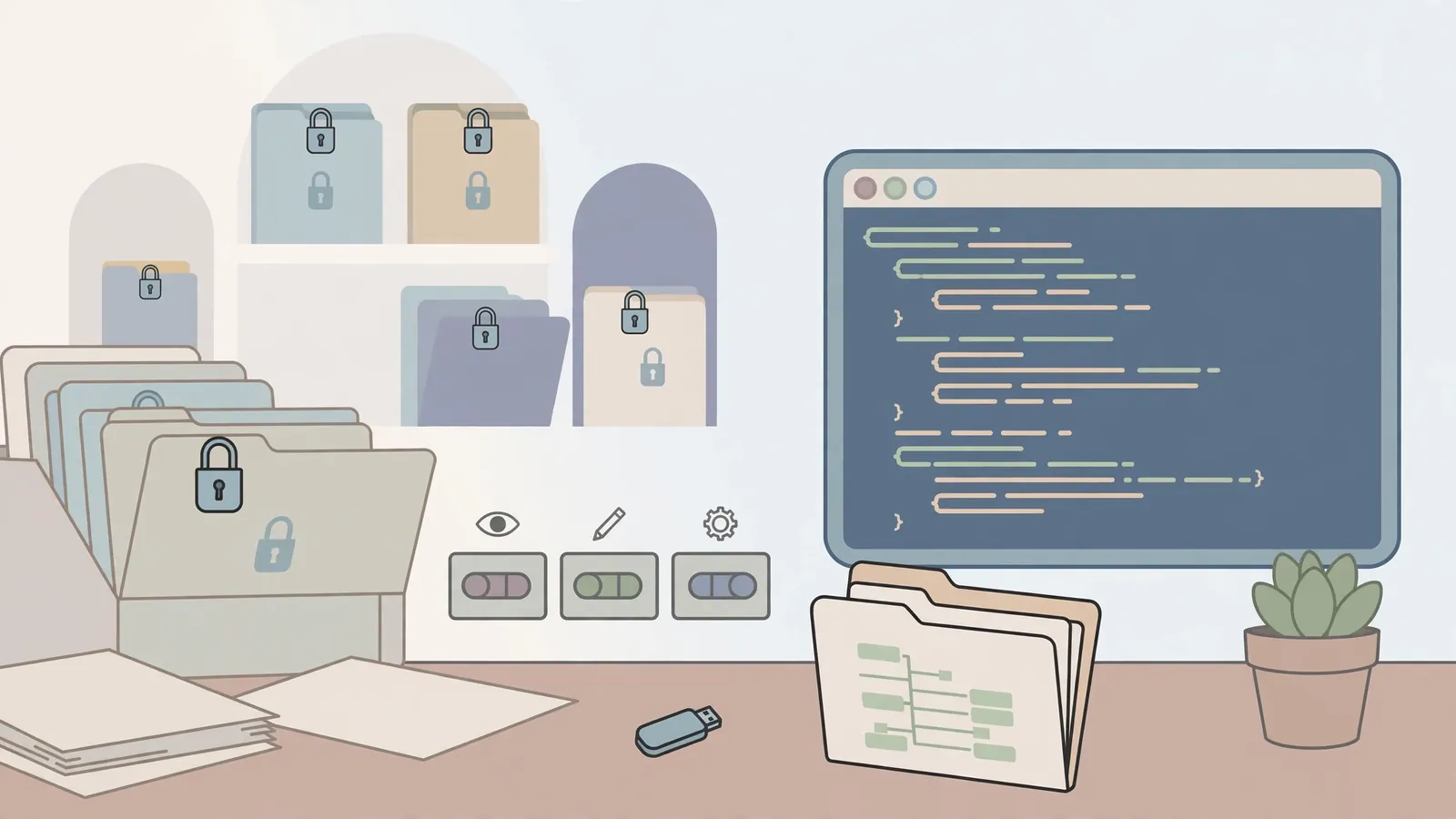
chmod 755 vs 644 (and 600, 700, 777): Linux File Permissions Explained
What the owner, group and others bits mean, how 644 and 755 are built from the r, w and x values, how directories differ from files, and which mode to pick.
/9 min read
Read the guide
Cron Syntax Cheat Sheet: 25 Real Schedules Explained
The five fields of a cron expression, wildcards, lists, ranges, steps and names, the day-of-month or day-of-week rule, plus 25 schedules you can use.
/9 min read
Read the guide
Discord Text Formatting Guide: Every Style With Examples
A practical Discord markdown reference for bold, headers, subtext, masked links, code blocks, ANSI colors, spoilers, timestamps, and small text.
/8 min read
Read the guide
How to Calculate Hours Worked (With a Lunch Break and Overnight Shifts)
A step-by-step way to total a shift: subtract an unpaid lunch, handle shifts that cross midnight, and convert minutes to decimal hours for a timesheet.
/7 min read
Read the guide